NAME
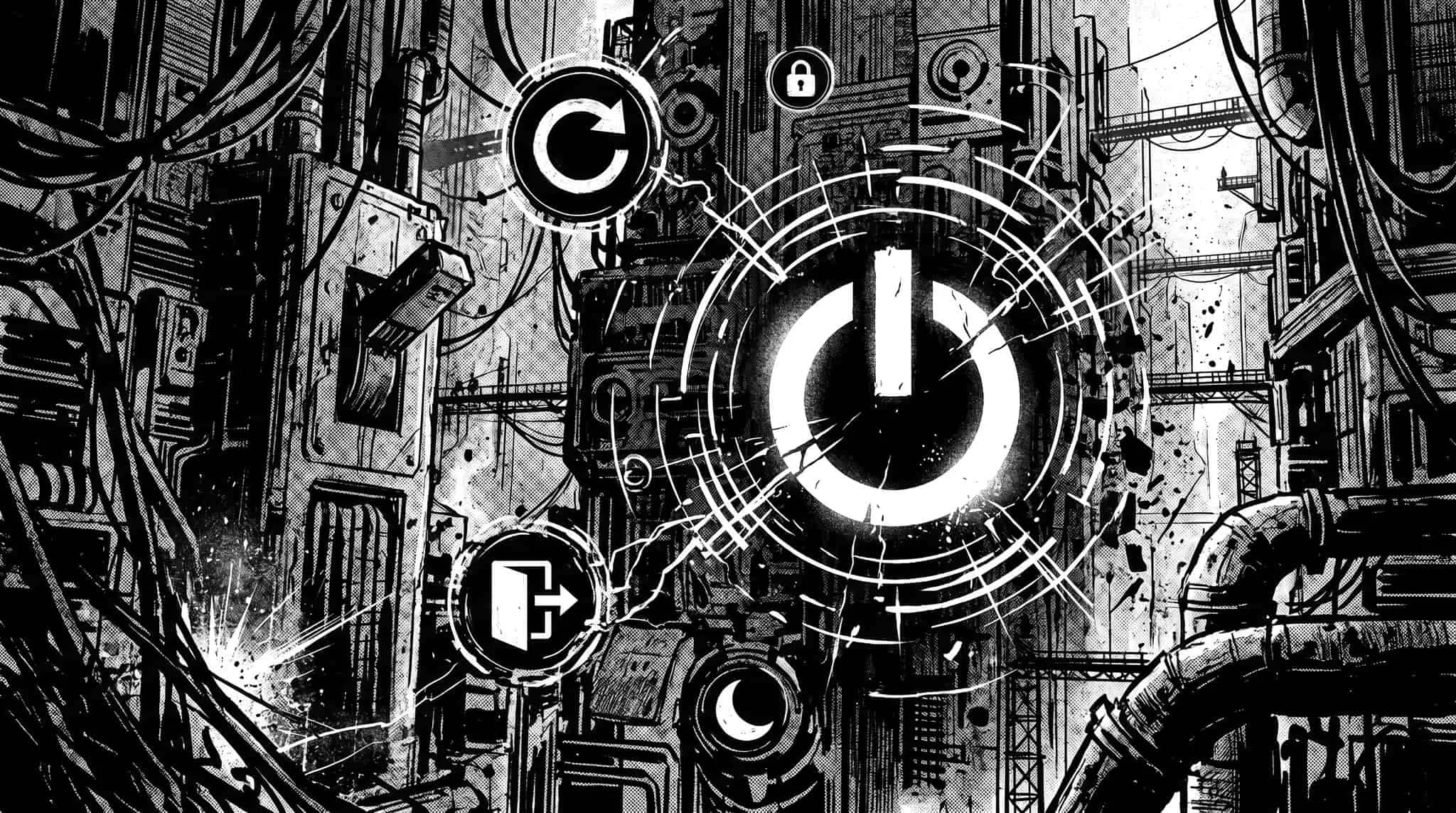
sessionManager@kappayashi — Lock, log out, restart, shut down — from a fullscreen overlay of round buttons.
SYNOPSIS
- version
- 1.0.0 ·
- status
- beta
- platform
- Linux Mint · Cinnamon
- requires
- Cinnamon 4.0+
- uuid
sessionManager@kappayashi- license
- GPL-3.0-or-later
- source
- github.com/kappa-yashi/cinnamon-applets
DESCRIPTION
A fork of Session Manager that replaces the dropdown with a fullscreen overlay of circular action buttons (the systemd/consolekit backend is kept).
Flat colour or image background (cover/fit/stretch), procedural grain with blend-like modes and grain size, custom SVG icon per action, global or per-icon colours, button size/roundness/outline auto-clamped to the screen, an uptime label, and fade in/out with real cubic-bezier easing (about 400 ms feels right).
INSTALL
# 1 · download
wget -O /tmp/[email protected] "https://github.com/kappa-yashi/cinnamon-applets/releases/download/v1.0.0/[email protected]"
# 2 · unpack
mkdir -p ~/.local/share/cinnamon/applets
unzip -o /tmp/[email protected] -d ~/.local/share/cinnamon/applets/
# 3 · right-click the panel → Applets → "kappa.yashi Session Manager" → add
OPTIONS
- Panel icon <iconfilechooser> = system-shutdown-symbolic
- Panel text <entry>
- Shut Down <checkbox> = true
- ↳ Custom icon for Shut Down (SVG, optional) <filechooser>
- Leave empty to use the built-in icon. Use a symbolic/monochrome SVG so the icon colours apply.
- Restart <checkbox> = true
- ↳ Custom icon for Restart (SVG, optional) <filechooser>
- Leave empty to use the built-in icon. Use a symbolic/monochrome SVG so the icon colours apply.
- Lock <checkbox> = true
- ↳ Custom icon for Lock (SVG, optional) <filechooser>
- Leave empty to use the built-in icon. Use a symbolic/monochrome SVG so the icon colours apply.
- Suspend <checkbox> = true
- ↳ Custom icon for Suspend (SVG, optional) <filechooser>
- Leave empty to use the built-in icon. Use a symbolic/monochrome SVG so the icon colours apply.
- Sleep <checkbox> = false
- ↳ Custom icon for Sleep (SVG, optional) <filechooser>
- Leave empty to use the built-in icon. Use a symbolic/monochrome SVG so the icon colours apply.
- Hibernate <checkbox> = false
- ↳ Custom icon for Hibernate (SVG, optional) <filechooser>
- Leave empty to use the built-in icon. Use a symbolic/monochrome SVG so the icon colours apply.
- Log Off <checkbox> = true
- ↳ Custom icon for Log Off (SVG, optional) <filechooser>
- Leave empty to use the built-in icon. Use a symbolic/monochrome SVG so the icon colours apply.
- Switch User <checkbox> = false
- ↳ Custom icon for Switch User (SVG, optional) <filechooser>
- Leave empty to use the built-in icon. Use a symbolic/monochrome SVG so the icon colours apply.
- Guest Session <checkbox> = false
- ↳ Custom icon for Guest Session (SVG, optional) <filechooser>
- Leave empty to use the built-in icon. Use a symbolic/monochrome SVG so the icon colours apply.
- Background colour <colorchooser> = rgb(20,25,40)
- Background opacity <spinbutton> = 85
- Show uptime label <checkbox> = true
- Use background image <checkbox> = false
- Background image (optional) <filechooser>
- PNG/JPG/SVG. Leave empty for a plain colour background. The background colour + opacity act as a dim/tint on top.
- Image fit <combobox> = cover
- Add noise / grain <checkbox> = false
- Grain style <combobox> = normal
- Grain colour <colorchooser> = rgb(150,90,255)
- Grain opacity <spinbutton> = 15
- Grain size <spinbutton> = 1
- Button size <spinbutton> = 120
- Spacing between buttons <spinbutton> = 40
- Roundness (100 = circle) <spinbutton> = 100
- Button background colour <colorchooser> = rgb(255,255,255)
- Button background opacity <spinbutton> = 8
- Hover background colour <colorchooser> = rgb(255,255,255)
- Hover background opacity <spinbutton> = 15
- Outline on hover <checkbox> = true
- Hover outline colour <colorchooser> = rgb(150,90,255)
- Hover outline width <spinbutton> = 2
- Icon size <spinbutton> = 48
- Icon colour <colorchooser> = rgb(255,255,255)
- Use a separate hover colour <checkbox> = true
- Icon hover colour <colorchooser> = rgb(150,90,255)
- Show label under each icon <checkbox> = false
- Label colour <colorchooser> = rgb(220,220,230)
- Per-icon colours (each icon its own set) <checkbox> = false
- Off: the global icon colours above apply to every icon. On: each action uses its own colours below.
- Shut Down colour <colorchooser> = rgb(255,255,255)
- Shut Down hover colour <colorchooser> = rgb(150,90,255)
- Restart colour <colorchooser> = rgb(255,255,255)
- Restart hover colour <colorchooser> = rgb(150,90,255)
- Lock colour <colorchooser> = rgb(255,255,255)
- Lock hover colour <colorchooser> = rgb(150,90,255)
- Suspend colour <colorchooser> = rgb(255,255,255)
- Suspend hover colour <colorchooser> = rgb(150,90,255)
- Sleep colour <colorchooser> = rgb(255,255,255)
- Sleep hover colour <colorchooser> = rgb(150,90,255)
- Hibernate colour <colorchooser> = rgb(255,255,255)
- Hibernate hover colour <colorchooser> = rgb(150,90,255)
- Log Off colour <colorchooser> = rgb(255,255,255)
- Log Off hover colour <colorchooser> = rgb(150,90,255)
- Switch User colour <colorchooser> = rgb(255,255,255)
- Switch User hover colour <colorchooser> = rgb(150,90,255)
- Guest colour <colorchooser> = rgb(255,255,255)
- Guest hover colour <colorchooser> = rgb(150,90,255)
- Fade in when opening <checkbox> = true
- Animation duration <spinbutton> = 200
- Easing <combobox> = ease-out
- Bezier x1 <spinbutton> = 0.25
- Bezier y1 <spinbutton> = 0.1
- Bezier x2 <spinbutton> = 0.25
- Bezier y2 <spinbutton> = 1
CHANGELOG
v1.0.0 ·
First public release. Download kappayashi-applets-all for everything (extract → ./install.sh), or a single <uuid> zip and extract it into ~/.local/share/cinnamon/applets/. Cinnamon 4.0–6.2 · GPL-3.0 · provided as is.
SEE ALSO
workspace-switcher@kappayashi(applet), wallpapers-2026-11(wallpapers), musiccontrols@kappayashi(applet), wallpapers(wallpapers), separator@kappayashi(applet), idle-vector-scrnsvr(tool), kekkai(tool), senrigan(tool)